
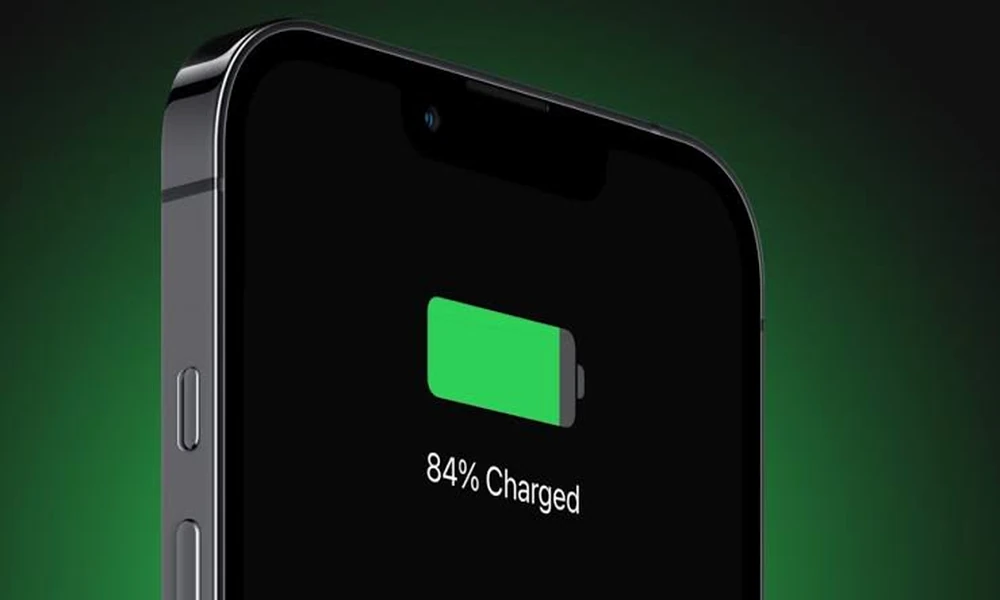
Battery advice is one of the most myth-laden areas in consumer technology, and much of it dates from a different cell chemistry that has not been used in phones for two decades. Some of what circulates is harmless; some of it actively shortens battery life.
This guide covers what genuinely degrades a modern lithium-ion battery and what does not.
Charging features and battery settings differ between device generations, so the Huawei user manuals are worth checking for what your model actually offers.
How lithium-ion cells age
Two processes run in parallel. Cycle ageing comes from charging and discharging, measured in full-equivalent cycles rather than in individual plug-ins. Calendar ageing happens regardless of use, and it accelerates with heat and with time spent at a high state of charge.
That second mechanism is the one most people are unaware of, and it explains why a phone left at full charge in a warm place degrades faster than one used normally.
What actually causes damage
Heat
The single largest factor. Elevated temperature accelerates the chemical reactions that reduce capacity, and the damage is cumulative and permanent.
Do not leave a phone in a car in direct sun.
Remove thick cases during heavy use or fast charging if the device gets noticeably hot.
Avoid charging under a pillow or in a sealed bag.
Heavy gaming while charging is the worst common combination – it generates heat from two sources simultaneously.
Sustained high charge
Sitting at 100 percent for long periods stresses the cell. This is why many phones now include an optimised or adaptive charging feature that holds at around 80 percent overnight and completes the charge shortly before you wake.
If your device offers a charge limit or adaptive charging option, enabling it is the single most effective setting change available.
Deep discharge
Repeatedly running to zero adds stress, and leaving a phone fully discharged for weeks can render the cell unrecoverable. This is the origin of the advice to store devices around half charge.
What does not matter
Charging overnight is not harmful in itself on a modern phone, which stops drawing current at full. The concern is time spent at full, which adaptive charging addresses.
Topping up throughout the day is fine. Partial charges are counted proportionally toward cycles, and shallow cycles are gentler than deep ones.
Letting the battery fully drain periodically to recalibrate is not needed and is mildly harmful. This is a holdover from an older chemistry.
Using the phone while charging is fine, provided it does not get hot.
Third-party chargers are fine if they are from a reputable manufacturer and correctly specified. Very cheap unbranded chargers are a genuine risk, for safety more than for battery health.
Fast charging
Fast charging generates more heat and is marginally harder on a cell than slow charging. The effect is modest on a well-designed device, which reduces charging speed as the battery fills and as temperature rises.
A reasonable compromise: use fast charging when you need it, and a slower charger overnight when you do not.
Wireless charging
Less efficient than cable charging, and the lost energy becomes heat near the battery. For occasional convenience it is fine; as the sole overnight method on a device without adaptive charging, cable is gentler.
What to expect over time
A typical phone battery retains around 80 percent of its original capacity after a few hundred full-equivalent cycles, which for most users is a couple of years. Degradation is gradual and not a fault.
Symptoms of a battery near the end of its useful life include sudden percentage drops, shutdowns at non-zero charge, and noticeably reduced performance where the system throttles to avoid unexpected shutdowns.
Adaptive charging and charge limits are named differently by each maker, and product manuals for most brands will say where the setting lives.
Practical settings that help
Enable adaptive or optimised charging if available.
Enable a charge limit if the option exists.
Reduce screen brightness and timeout, which reduces both drain and heat.
Check which apps consume most battery and address the outliers.
Keep the device updated, since power management improves in software.
Frequently asked questions
Should I turn the phone off overnight?
Unnecessary for battery health, and it prevents adaptive charging from working.
Does closing background apps help?
Generally not. Modern systems manage background processes efficiently, and repeatedly force-closing apps can increase consumption by forcing full reloads.
Is replacing the battery worth it?
Often yes, particularly on a device that otherwise performs well. It is considerably cheaper than replacement and is the single change that restores the experience.
Note: battery replacement should be carried out by a qualified service centre. Lithium cells can be dangerous if punctured or mishandled, and a swollen battery should be dealt with professionally and promptly.